

Fitting an SSD to an old computer: the upgrade you'll notice most
Kevin Muñoz · 2 September 2026 · 6 min read
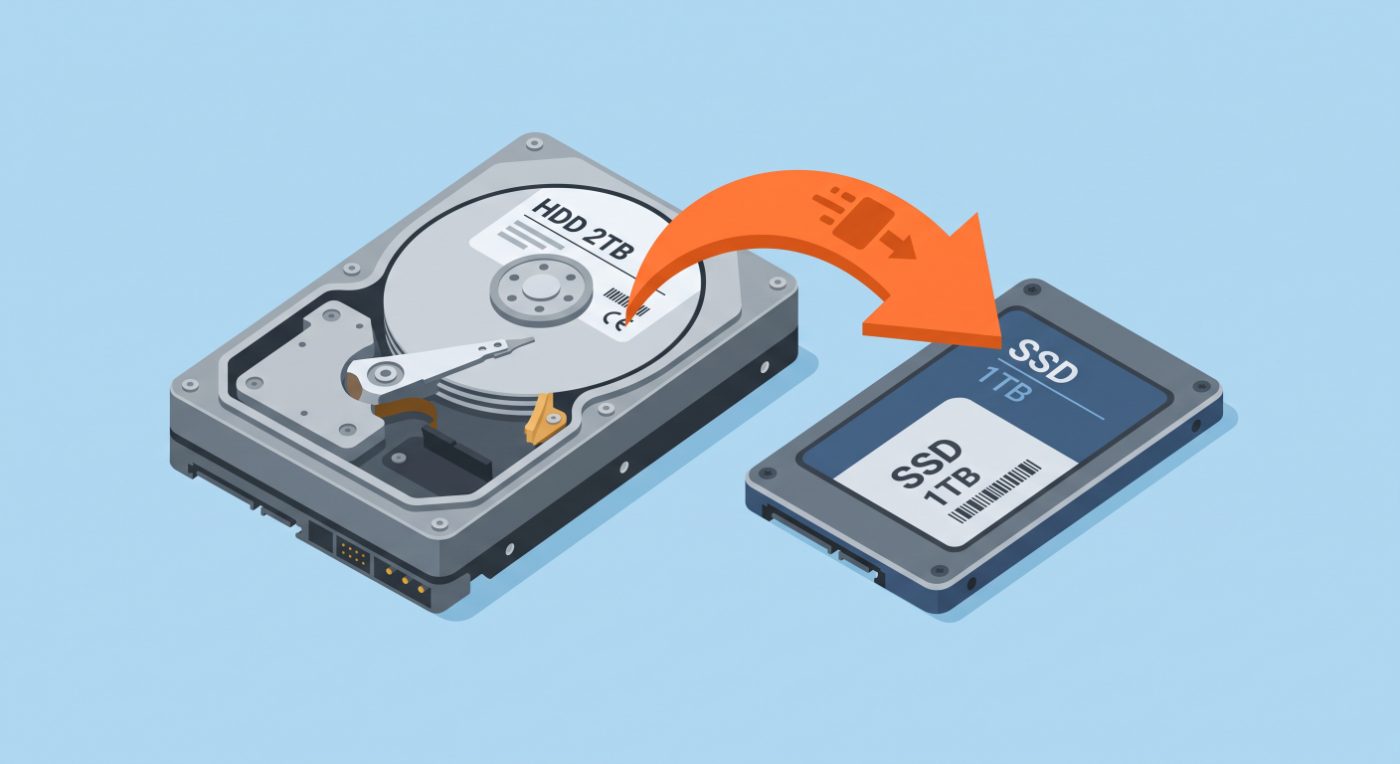
Of everything you can do to a slow computer, nothing else comes close. A laptop that took two minutes to start is ready in fifteen seconds, and using it feels like a new machine. That said, let's be clear: memory is expensive this year.
Why it makes such a difference
A classic hard drive is a spinning platter with an arm that moves to find the data, like a record player. Every time Windows asks for a file, that arm has to physically travel to the spot. An SSD has no moving parts: it responds in microseconds.
The difference isn't the top speed advertised on the box, but the access time: while the mechanical drive handles one request, the SSD handles thousands. And starting Windows means tens of thousands of small requests. That's the whole story.
How to tell if your computer has a mechanical drive
Open Task Manager with Ctrl + Shift + Esc, go to Performance and look at the Disk section: it says HDD or SSD. If it's not clear, there are two physical clues: mechanical drives make a soft whirring sound while working and vibrate slightly if you rest your hand on them.
Which SSD you need
There are two formats and they're not interchangeable. It depends on what your motherboard supports, not on what you want.
As for size: 500 GB is the sweet spot for normal use. Avoid 120 GB drives, which soon run out of space, and be wary of unknown brands: poor-quality memory degrades and you end up with the same problem two years later.
September 2026 note: memory is in the middle of a price crisis. RAM and SSD chip prices have been rising all year due to demand from artificial intelligence and aren't expected to normalise until 2027. The upgrade is still the one you'll notice most, but today it's not the bargain it was two years ago. If it isn't urgent, it may pay to wait; if your computer is unusable, the upgrade is still worth it.
Do I need to reinstall Windows and lose everything?
No. The drive is cloned: the whole system is copied to the SSD exactly as it is, with your programs, files and passwords. You switch it on and everything is where you left it, only faster.
There's one case where I recommend a clean install: when the current Windows carries years of junk, viruses or errors. Then cloning would carry the problems over to the new drive. It's decided once I see the computer.
What it costs and what's included
It usually takes one working day. If the computer is healthy, you take it home the next day. I don't set a fixed price for the drive because it changes every few weeks: I confirm it when I give you the quote.
Frequently asked questions
How long does an SSD last?
For home use, longer than the computer itself. The write cycles it can handle are far beyond what a normal user writes in ten years.
Can I keep the old drive?
Of course. In a desktop tower it can stay inside as extra storage. With a laptop, I give it back to you or fit it in a USB enclosure so you can use it as an external drive.
Do programs open faster too?
Yes. Opening the browser, Office or File Explorer is where you notice it most day to day. What doesn't improve is performance in pure number-crunching tasks: that depends on the processor.
Shall we give your computer a new lease of life?
Tell me the make and model and I'll confirm which SSD it supports and how much it would cost. Free diagnosis in Matadepera and the surrounding area.